

Description
Download Xenia - Xbox 360 Emulator – Xbox 360 emulator, PC gaming, emulation, gaming tools, retro gaming
Overview
Xenia - Xbox 360 Emulator is a development-focused tool designed for PC users seeking to run Xbox 360 games on modern Windows systems. As an open-source project, it aims to emulate the Xbox 360 console environment, enabling users to access a library of games originally developed for that platform. The app is particularly relevant for gaming enthusiasts who wish to preserve and play classic titles that may no longer be readily available through official channels.
The emulator addresses the growing demand for retro gaming experiences by offering a pathway to play Xbox 360 games on contemporary hardware. However, it is important to note that Xenia is not yet a fully polished or stable release. It remains an ongoing development project, with functionality limited to specific titles and varying levels of compatibility. Users should expect a technical setup process and potential instability during gameplay.
Target users include advanced PC gamers, emulation hobbyists, and developers interested in console architecture. The project is maintained by the Xenia Team, a collective of contributors focused on pushing the boundaries of emulation technology. While the developer did not provide additional technical details about the team’s structure or history, the project’s public GitHub repository and active development updates suggest a committed community effort.
Real-world use cases include game preservation, testing legacy software, and exploring console-specific game mechanics. In the broader app ecosystem, Xenia serves as a critical tool for enthusiasts aiming to extend the lifespan of Xbox 360 content. Despite its current limitations, it represents a significant step toward achieving full hardware-level emulation on PC platforms.
Key Features & Functionality
- PC-Based Xbox 360 Emulation – Enables execution of Xbox 360 games on Windows 8.1 or higher systems, allowing users to play titles without original hardware.
- Open-Source Development Model – The project is publicly accessible, encouraging community contributions, transparency, and collaborative improvement.
- Game Compatibility Tracking – The official website maintains a list of games with verified compatibility, helping users select titles that are likely to function properly.
- Hardware Acceleration Support – Leverages modern GPU capabilities for rendering, improving visual fidelity and performance where supported.
- Regular Development Updates – The team releases frequent updates, reflecting progress in core emulation, memory management, and audio processing.
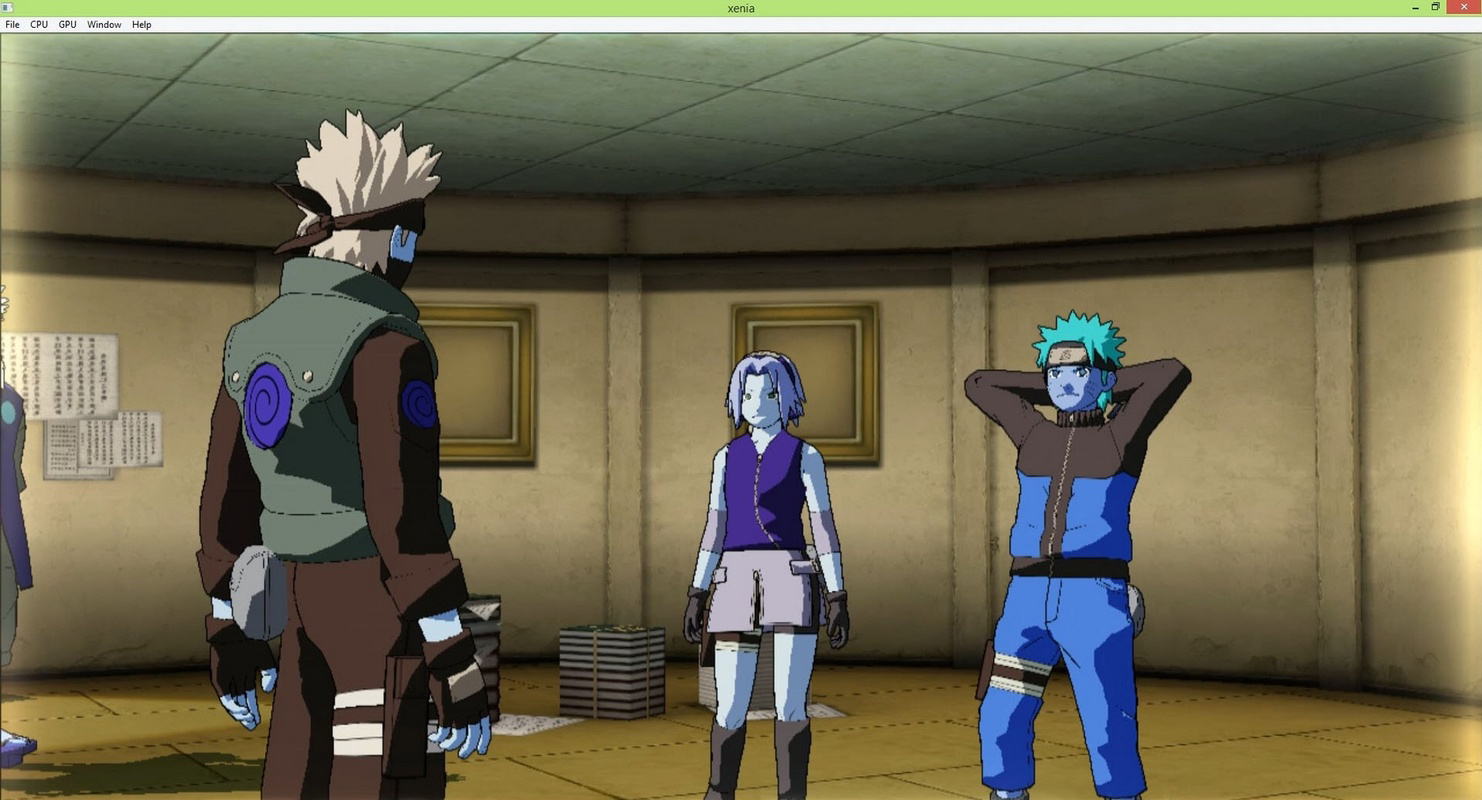
For example, users with high-end systems may successfully run titles like Perfect Dark Zero or Red Dead Redemption in a partially functional state, depending on the current build. These games often exhibit playable frames, though issues like graphical glitches, audio dropouts, or crashes may occur. The emulator’s ability to load and execute game code is a significant technical achievement, even if full stability remains unattained.
Each feature serves a practical purpose: compatibility tracking reduces user frustration by setting realistic expectations, while hardware acceleration ensures optimal performance on capable systems. The open-source nature also fosters trust and enables developers to audit code for security and efficiency. While not a plug-and-play solution, Xenia offers a powerful toolkit for those willing to invest time in setup and troubleshooting.
Interface, UX & Performance
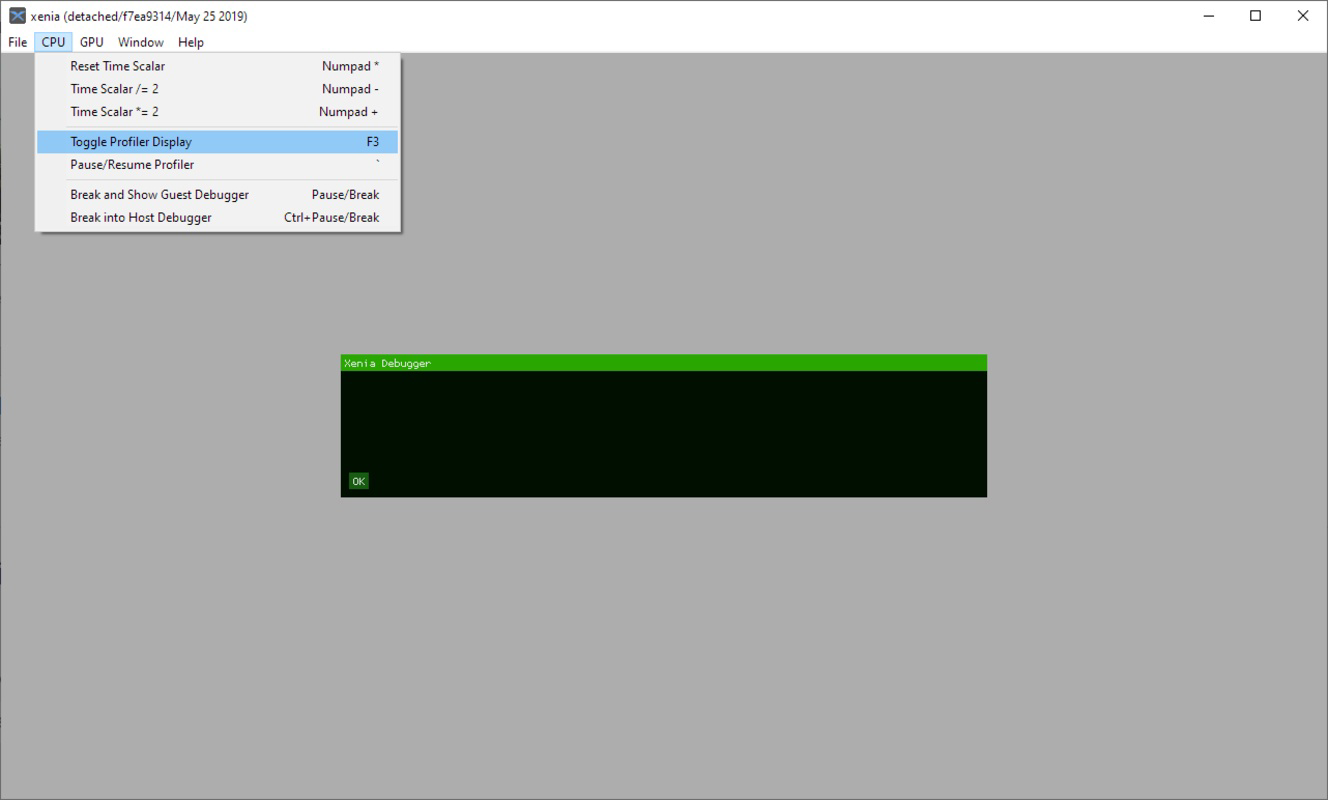
The user interface of Xenia - Xbox 360 Emulator is minimal and primarily functional, reflecting its development-stage nature. It lacks a polished graphical dashboard and instead relies on command-line tools and configuration files for setup and operation. Navigation is not intuitive for casual users, requiring familiarity with file paths, game disc images, and emulator settings.
Visual style is utilitarian, prioritizing functionality over aesthetics. The interface displays logs, performance metrics, and status indicators, which are essential for diagnosing issues during emulation. Users must manually load game ISOs or disc images, and configuration options are accessed through text-based configuration files rather than a graphical menu.
Performance varies significantly based on system capabilities. Although the developer did not list formal performance metrics, users with high-end PCs equipped with modern CPUs and dedicated GPUs report better success rates. The emulator is resource-intensive, demanding significant processing power and memory to render games at acceptable frame rates. On lower-tier hardware, performance may be unstable or unplayable.
Responsiveness is generally acceptable during gameplay when the system meets the requirements, though occasional freezes or crashes are reported. Stability is inconsistent across different games and builds. The emulator’s reliance on external tools like Visual Studio 2015 and Python 2.7 suggests a complex dependency chain that can impact startup time and overall usability.
Platform Compatibility & Technical Requirements
Xenia - Xbox 360 Emulator is designed exclusively for the Windows platform. It requires Windows 8.1 or higher, meaning it is incompatible with older operating systems such as Windows 7 or earlier. The current version, released on 2024-04-23, has a file size of 42.7 MB, making it a lightweight download relative to full game installations.
Compatibility information was not fully disclosed beyond the OS requirement. Specific hardware specifications, such as minimum CPU, GPU, or RAM, were not listed. The developer did not specify whether the emulator supports DirectX versions or Vulkan rendering, nor did they confirm support for 32-bit systems. Users are advised to consult the official website for updated compatibility notes.
Although the emulator is free to download and use, it depends on third-party software including Microsoft Visual Studio 2015 and Python 2.7. These tools are not bundled with the app and must be installed separately. This adds an extra layer of complexity to the installation process, especially for users unfamiliar with development environments.
Pros and Cons
- Free to download and use, with no licensing fees
- Open-source nature allows transparency and community contributions
- Active development with regular updates and progress tracking
- Supports high-end PC systems for optimal performance
- Enables access to a growing library of Xbox 360 games
- Requires advanced technical knowledge for setup and troubleshooting
- Not compatible with Windows 7 or older operating systems
- Many games remain unplayable or unstable
- Depends on external tools like Visual Studio 2015 and Python 2.7
- Performance is highly dependent on hardware quality
FAQ
Is Xenia - Xbox 360 Emulator safe to download?
Yes, the emulator is distributed through official channels and is open-source. However, users should only download from the official website to avoid malware or modified versions.
Can I use Xenia on Windows 7?
No, Xenia requires Windows 8.1 or higher. It is not compatible with Windows 7 or earlier operating systems.
Do I need to install Visual Studio 2015 to run Xenia?
Yes, the emulator depends on Microsoft Visual Studio 2015 for runtime support. It must be installed separately before using the emulator.
Is Python 2.7 required for Xenia?
Yes, Python 2.7 is a dependency for certain components of the emulator. It must be installed on the system to ensure proper functionality.
How often is Xenia updated?
The Xenia Team releases updates regularly, often multiple times per week, reflecting ongoing development and bug fixes.
Final Thoughts
Xenia - Xbox 360 Emulator stands as a bold and ambitious project in the world of PC gaming and retro emulation. While not yet a finished product, it demonstrates significant technical progress toward achieving full Xbox 360 emulation on Windows systems. Its open-source model and active development community make it a valuable resource for enthusiasts and developers alike.
Although the setup process is complex and performance varies widely, users with high-end PCs and technical aptitude can enjoy a growing number of Xbox 360 titles. The emulator fills a niche for those passionate about preserving legacy games and exploring console architecture.
For advanced users and retro gaming aficionados, Xenia offers a unique opportunity to relive classic Xbox 360 experiences. Its potential to evolve into a stable, user-friendly platform remains strong, especially with continued community support.
Download Xenia - Xbox 360 Emulator now
Guides & Tutorials for Xenia - Xbox 360 Emulator
How to install Xenia - Xbox 360 Emulator
- Click the Preview / Download button above.
- Once redirected, accept the terms and click Install.
- Wait for the Xenia - Xbox 360 Emulator download to finish on your device.
How to use Xenia - Xbox 360 Emulator
This software is primarily used for its core features described above. Open the app after installation to explore its capabilities.
User Reviews for Xenia - Xbox 360 Emulator 0
No reviews found


